Write Better,
Everywhere,
100% Offline.
ScribeAI is your global writing companion. Select text in any macOS application, press ⌥ + ⌘ + S, and instantly refine grammar, polish emails, or rewrite drafts offline. No servers, no subscriptions, total privacy.
Requires macOS Monterey+ / Apple Silicon • Free & Open Source
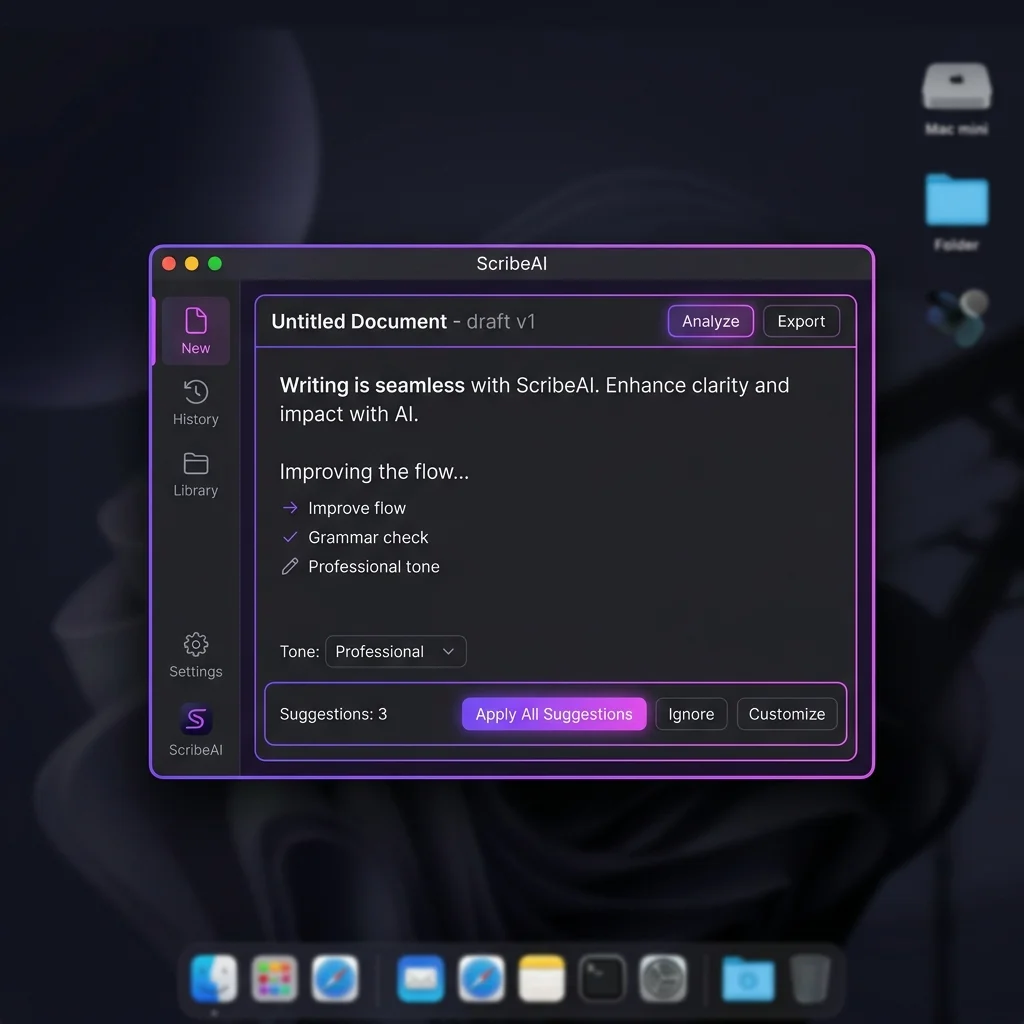
Polished drafts without compromise
100% Offline AI Models
Utilizes WebGPU to run optimized Qwen 1.5B models directly in your hardware cache. Text never leaves your machine.
Universal Hotkey
Highlight text in Slack, Notes, or Safari and hit ⌥ + ⌘ + S to trigger the instant polish overlay.
Name Preservation
Integrated fuzzy algorithms prevent small models from hallucinating or misspelling proper names like Rohith.
Custom API Keys
Not running WebGPU? Plugin your Gemini or OpenAI keys for blazing-fast online processing with zero markups.
Install ScribeAI on your Mac
Four simple steps. No account required. Works immediately after install.
Download the DMG
Click the download button below. The .dmg file is ~90MB and supports Apple Silicon Macs.
Open & Drag to Apps
Open the downloaded DMG and drag ScribeAI into your Applications folder. Then eject the DMG.
Allow First Launch
Right-click ScribeAI in Applications → Open → click Open in the dialog. You only need to do this once.
Select Text & Write
Highlight any text in any app, press ⌥ + ⌘ + S, and ScribeAI appears instantly.
macOS may show a security warning on first launch
Because ScribeAI is distributed outside the Mac App Store, macOS Gatekeeper will show a warning the very first time you open it. This is normal for independent apps. There are two easy ways to bypass it:
mouse Option A — Right-click method (easiest)
- 1.Go to Applications in Finder
- 2.Right-click ScribeAI → choose Open
- 3.Click Open in the dialog that appears
- ✓Done — opens normally every time after this
terminal Option B — Terminal command
Paste this once in Terminal after dragging to Applications:
xattr -dr com.apple.quarantine /Applications/ScribeAI.app
computer System Requirements
macOS Monterey+
macOS 12.0 or later
Apple Silicon
M1, M2, M3 or later
Internet (Built-in AI)
Offline mode: 8GB RAM min
Zero Data Harvesting. Period.
Traditional writing tools send every single letter you type to corporate servers. ScribeAI operates locally via WebGPU. Your text stays on your machine, in your GPU memory, preserving sensitive business contracts, client files, and confidential passwords.
- check_circle Local hardware execution—no central databases.
- check_circle No telemetry tracking or data log scraping.
- check_circle Direct P2P connections for Gemini API mode.
See ScribeAI in action
Test our parsing engine below. Choose one of our draft templates, select a tone chip, and watch ScribeAI polish it without adding conversation filler or explanations.
I write Rohit, but the AI writes Rihoy.
Everything you need to know
How does the global macOS shortcut work? expand_more
What are the system requirements for offline WebGPU models? expand_more
Is ScribeAI completely free? expand_more
Why doesn't the AI change proper names or spelling of names? expand_more
Why does the downloaded DMG file group under the year 1984 in my Downloads folder? expand_more
Last-Modified date header. If no date is found, macOS Safari defaults the file creation timestamp to **January 24, 1984**—the launch date of the original Apple Macintosh computer! The file is completely intact and safe to open.
Built Open Source & Verifiable
ScribeAI is committed to full transparency. As an independent developer utility, our client-side source code is fully open-source and audited by the community. Here are the core specifications of the client engine:
WebGPU Execution
Utilizes the WebLLM runtime framework to run local parameters on Apple Silicon GPUs, supporting quantized Qwen-1.5B weights with 1.6GB VRAM peak footprint.
Independent Auditing
The code has no telemetry tracker scripts, tracking cookies, or analytics servers. Review or fork our build scripts directly in our public repository.
Developer Transparency
Created and maintained by Anirudh Bhardwaj (ScribeAI Project Lead). Feel free to verify our builds or contact support at support@scribeai.shop.
Take control of your
writing workflow
Get started with the global macOS app or install the Chrome Extension to write cleaner, more professional content everywhere.